













©
2012 TreeCAD bv Update:
27-


WiseImage 11 for Windows
Start today!
Get real CAD functionality with full Intelligent Raster
feature support in just one application – now!
● Where CAD meets image processing
● Ultimate image and vector processing tools
● Automatic R2V and V2R conversion
● Look and feel of 2D CAD application
● Intelligent raster selection and editing
● Open Architecture with COM interface
● Direct scanner support
● Batch processing
WiseImage 11 for Windows -
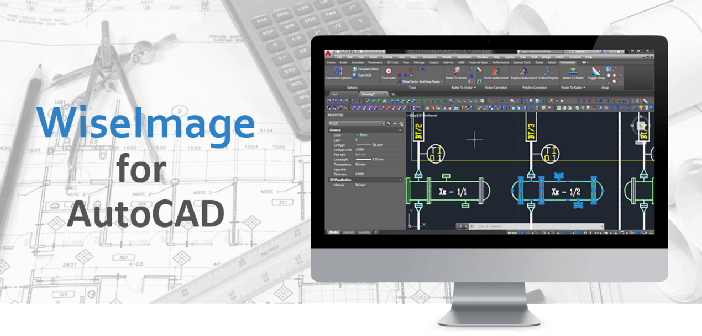
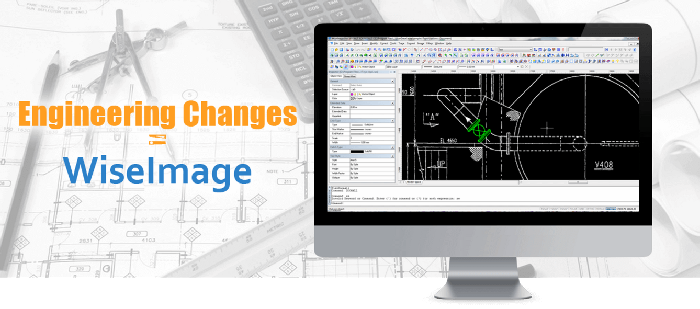
WiseImage has become the perfect combination of a 2D CAD package including an image
processing application. It blends raster and vector, productivity and precision,
CAD functionality and image processing capabilities perfectly -
Now WiseImage is a better CAD application than your favorite CAD package. Native
CAD-
There are 3 versions of WiseImage 11:
● WiseImage 11 Lite
● WiseImage 11
● WiseImage 11 Pro
New features for user's benefits
● WiseImage 11 is Windows Vista-
● Improved DWG-
● Import of AutoCAD 2007/2008 drawings and DXF
● Workspace includes Drawing Layouts and Viewports as in AutoCAD
● Extended Line Styles and Hatch Type support
● Improved Dimension Style support
● Proxy and complex entities processing
● Coordinate system:
● User Coordinate System AutoCAD-
● New angular units in coordinate settings
● AutoCAD style editing:
● Construction objects (ray, line) and primitive object (polygon) were added
● AutoCAD style object grips and dragging
● Node selection mode for polylines
● Object tracking snap mode on vectors (similar to AutoCAD) extending also onto raster objects
● External application and custom objects support:
● COM and DDE interface
● Languages such as C++, Java and scripts can be used for WiseImage add-
● Speedup and usability improvement:
● Updated CWS format, more compact and robust
● Autosave and Recover functions
● Print Setup dialog redesigned for better usability
● New feature -
One step from scanner to CAD
Large format scanners produce high-
High quality and precision: Image processing at its best
Exact calibration is essential when processing scanned drawings. WiseImage offers multiple options for selecting the most suitable method, importing coordinate values or assigning point positions manually. High quality transformation algorithms provide very accurate results.
Full colour images are huge so it is vital to minimize image file sizes. WiseImage can do this without any loss of information. Coloured areas can be combined according to colour similarities or by referring to their distribution frequencies. With the help of this technology the number of colours in an image can be reduced from millions to tens.
In WiseImage it is possible to crop, change resolution, scale, deskew, and calibrate
colour and greyscale raster images. It is possible to change brightness, contrast,
hue and saturation and adjust the colour gamut, improve image quality and apply colour
filters. Users can easily manage the colours of the image and create/edit LUT files
using the Colour Classifier. It is easy to edit, construct or add information onto
these images, even rasterizing vectors to generate raster file as often required
for compliancy purposes. Merging monochrome and colour images is also a one-
Intelligent raster objects and tracing
WiseImage offers several advanced options for working with raster and vector data.
One such is the unique technology to select raster objects or separate them into
layers. This feature is based on the intelligent selections and the smart WiseObject
(text, hatches, and lines) selection. The built-
WiseImage has an advanced tracing function (semi-
WiseImage for CAD and GIS users
WiseImage is fully featured with all typical 2D-